Plate Chase
Spot license plates from all 50 states and DC.
Contact
Questions, bugs, or ideas? Email erulemath@gmail.com. I usually reply within a couple of days.
How to play
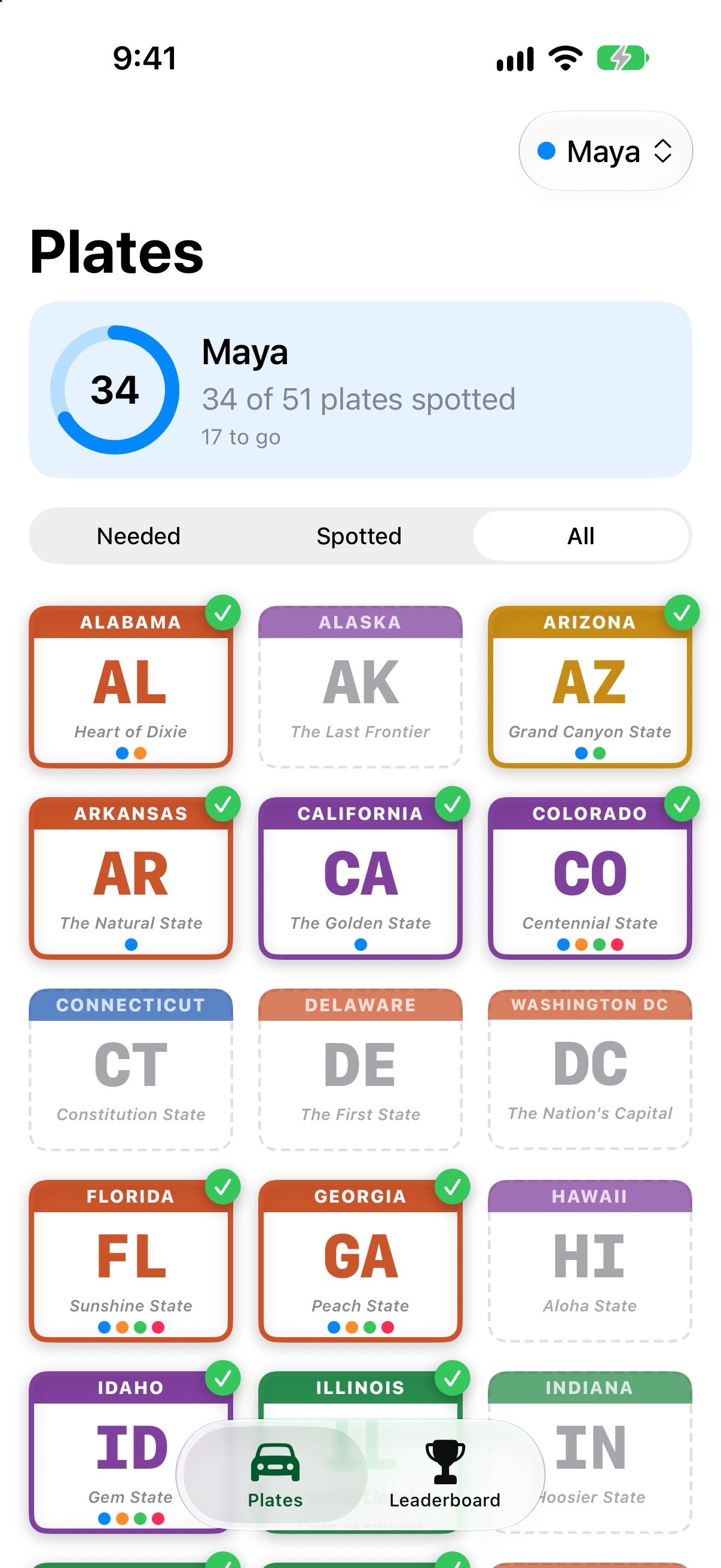
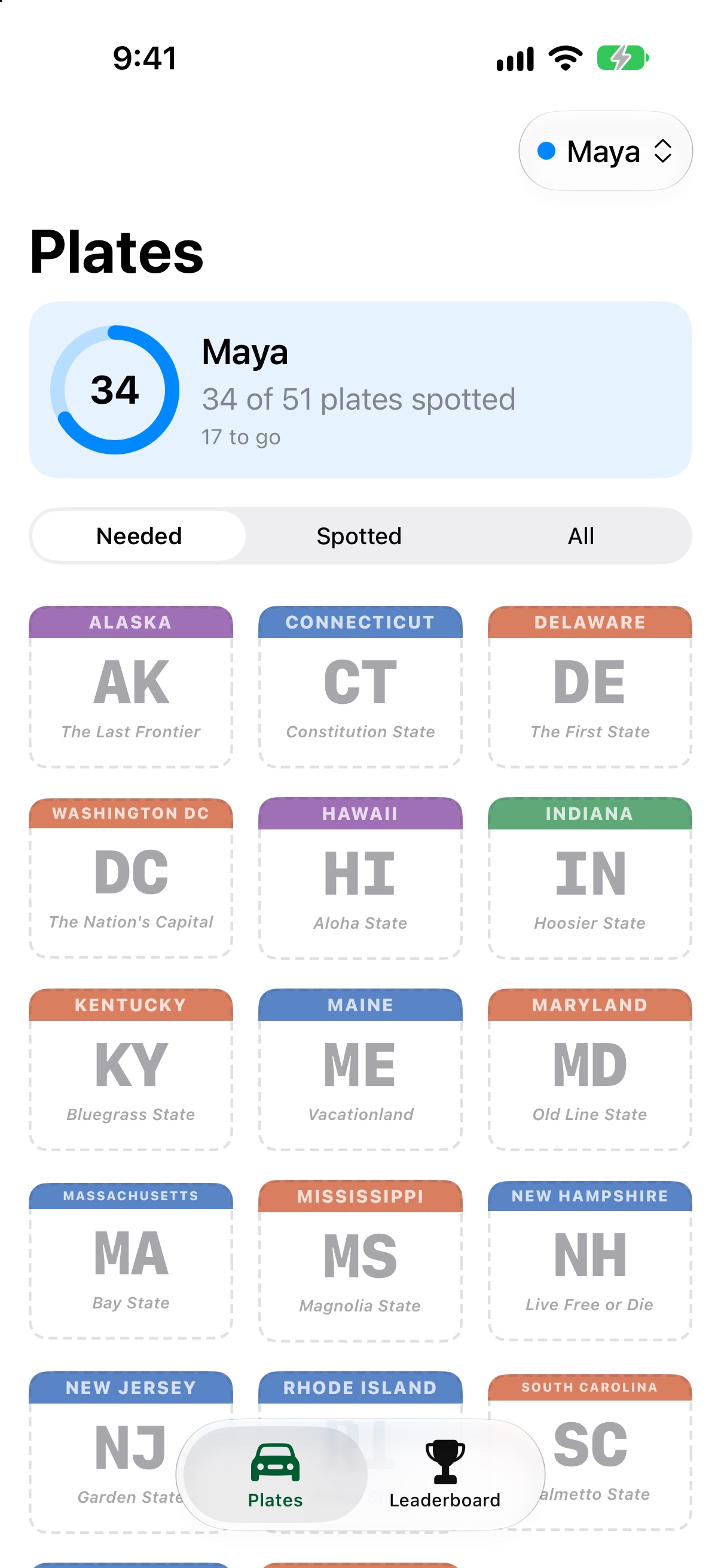
- Tap a plate when you spot it. Tap it again to take it off your list.
- Filter by Needed, Spotted, or All, or search for a state.
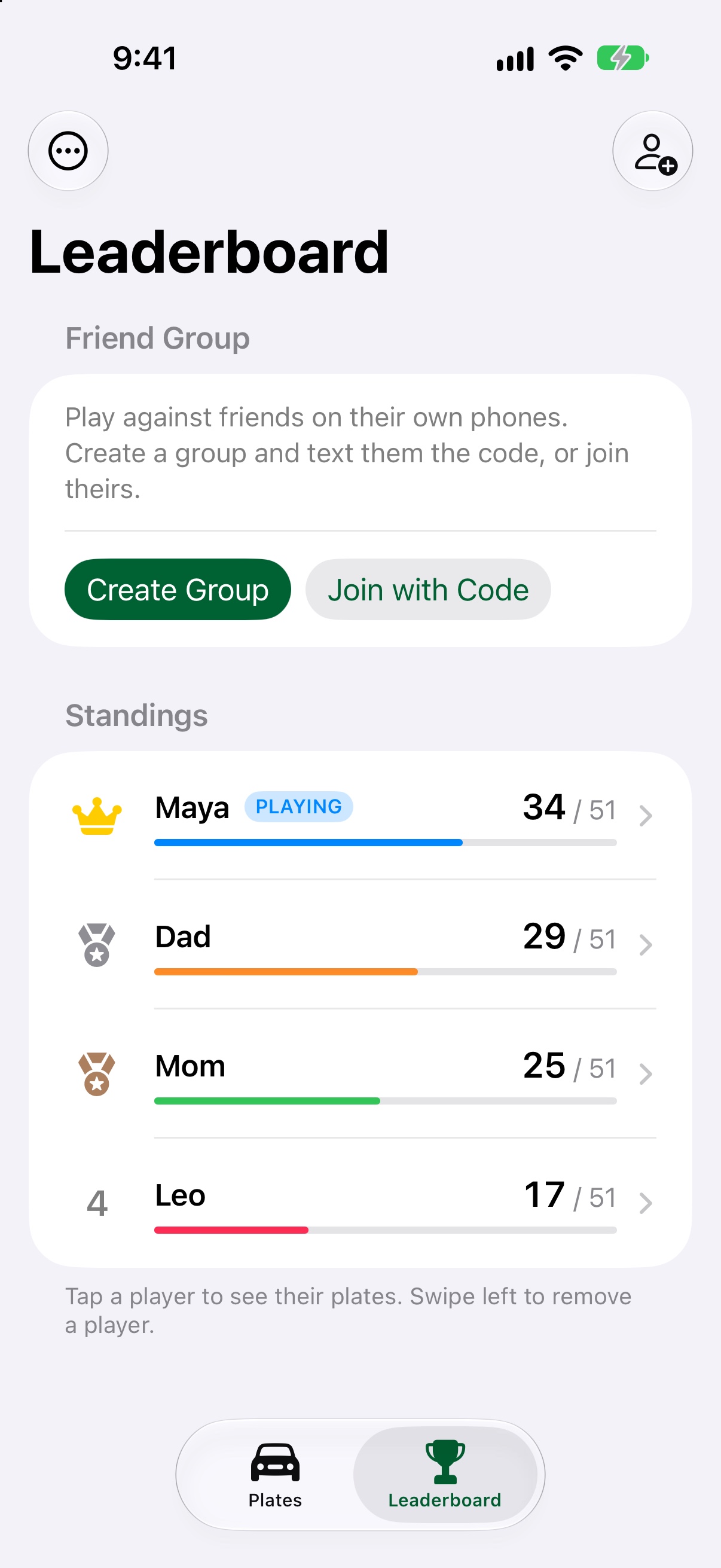
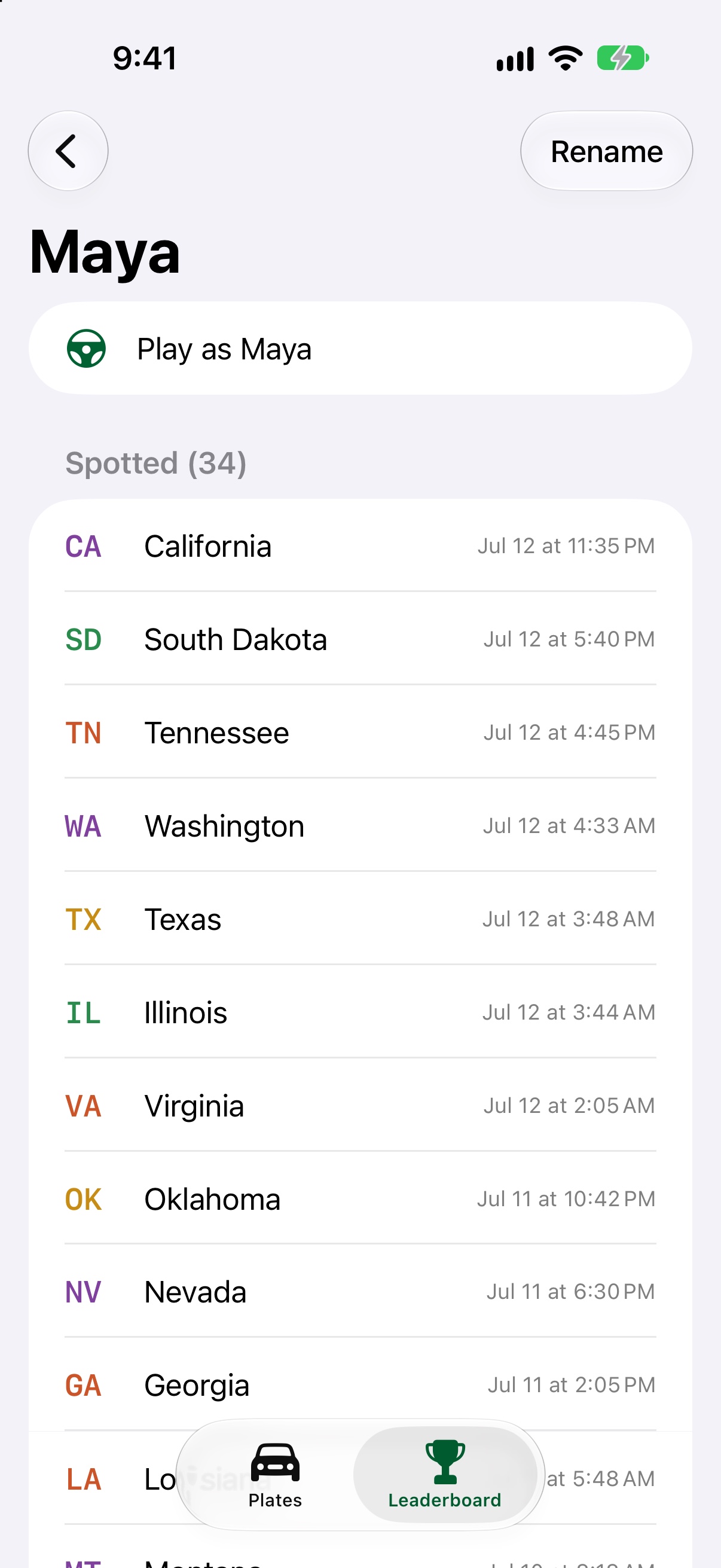
- Add everyone in the car on the Leaderboard tab, then switch who's playing from the menu at the top right of Plates.
- Colored dots on each plate show which players have spotted it.
- Starting a new trip? Leaderboard → ⋯ → New Road Trip clears everyone's plates and keeps the names.
Co-op or competitive
Pick a mode at the top of the Leaderboard tab (version 1.1 and later).
- Competitive: everyone keeps their own list, and whoever spots the most plates wins.
- Co-op: everyone fills one shared list. A plate counts as soon as anyone spots it, and the Team tab shows who found each plate first.
- In a friend group everyone plays the same mode. Anyone can change it, and the other phones follow within about 30 seconds.
- Switching modes never erases anyone's plates.
Playing with friends on other phones
- On the Leaderboard, tap Create Group and text friends the 6-character code. They tap Join with Code.
- Everyone needs to be signed in to iCloud. Plates sync about every 30 seconds, or pull down on the Leaderboard to refresh.
- Tap Leave Group to stop sharing. Your players are removed from the group right away.
Common questions
"Sign in to iCloud to play with friends." Open Settings, tap your name at the top, and sign in to iCloud. Friend groups need iCloud; playing on one phone doesn't.
"No group found with that code." Check the code with your friend. Codes use letters and numbers only, and at least one person needs to still be in the group.
Will I lose my plates if I delete the app? Yes. Plates are saved on your phone, so deleting the app deletes them.